Your clients do not compare your experience to the last event provider they met — they compare it to Amazon, online banking, and Netflix. Whether they book a wedding planner, photographer, or consultant, they expect the same thing from the first quote: simplicity, clarity, and autonomy.
A well-designed client portal is not a marketing gadget reserved for large agencies. It is a concrete accelerator for signature, collection, and trust. From field feedback among European independents, the gap between verbal agreement and collected deposit can be cut by a third when the journey goes through a unified portal rather than a chain of emails and attachments. This guide details what clients actually expect, what a portal must offer, what it must never do, and how to adapt it to three representative trades: wedding planner, photographer, and independent consultant.
The client portal is often the first seriousness signal after your website. Clients rarely say it to your face: heavy admin makes them doubt your overall professionalism, including creative or strategic work. A quote attachment asking them to "please return signed by post" creates immediate mismatch with their digital habits. That gap translates into opened-but-unsigned quotes, deposits dragging while the client "finds the bank details," incomplete briefs arriving the day before service. These are not difficult clients; it is a journey ignoring what they learned to expect from services they use daily.
The new benchmark: major platforms, not your competitors
Before contacting you, your prospect booked a flight in three clicks, signed a lease online, and paid a subscription by card without leaving the sofa. That digital experience shapes expectations unconsciously. When they receive a PDF attachment with complex instructions, they already picture a smoother competitor — sometimes cheaper, sometimes less talented, but easier to hire.
For a freelancer, that gap produces familiar symptoms. The client opens the quote, closes it, promises to "deal with it this weekend," then forgets. They email questions already answered on page four. They ask for your bank details three days after saying yes on the phone, then take another week to transfer. Every added step is a chance to abandon — not always refusal, often procrastination life takes over.
The client portal meets that expectation by grouping all administrative actions in one place. The ClientFlow client portal module was built for this exact use case: one link, your brand, zero friction. Your client does not discover an unknown platform; they stay in the visual universe you already projected on your site and social channels. That continuity matters as much as raw functionality.
Independents who centralise admin also avoid mistakes described in our guide on freelance admin mistakes in 2026. The portal is not an isolated tool; it sits in a quote, contract, payment, invoicing flow. Without that flow, the portal becomes an empty showcase.
One link, zero friction
Nobody wants to create an account on an unknown platform to sign a €3,000 quote. Nobody wants to download an app to review a contract. And nobody — really nobody — wants to email attachments back after signing online because the system did not save them. Predictable conversion killers: account creation with complex password, mandatory mobile app for a one-off action, redirect to a third-party payment tool with dubious design, documents scattered between inbox, shared Drive, and instant messaging.
The ClientFlow portal works via one unique secure link: you send the link from your interface, the client clicks, accesses their complete file, signs and pays — no password to remember, no client-side registration. If the link is lost, you resend in one click; the client picks up exactly where they left off. That simplicity is not a UX detail; it is a measurable conversion lever.
Compare two journeys mentally. Journey A: PDF by email, then DocuSign in a second mail, then Stripe in a third, then manual follow-up for the Google Form brief never completed. Journey B: one link, quote reviewed, question in integrated messaging, contract signed, deposit paid, shoot questionnaire triggered automatically. The second compresses days into hours. Independents adopting a portal report payment delay cut by a third on average between verbal agreement and collected deposit. In peak season, that difference can mean several thousand euros of cash freed earlier.
The unique link per file, accessible from any device, respects your clients' mobile reality. The couple plans their wedding from the sofa, evening, on smartphone. The SME owner signs between meetings. Imposing a desktop-only journey or print-scan-return is a silent filter eliminating rushed clients — often the most decisive ones.
The first conversion killer is account creation. Asking email, password, confirmation, two-step validation for a one-off quote sends a clear message: "This provider complicates things." A brief on a Google Form disconnected from the contract is second: the client already entered their details three times. An expired link with no simple resend is third: they abandon from fatigue, not refusal. A good portal eliminates all three by design.
The five essentials of a client portal
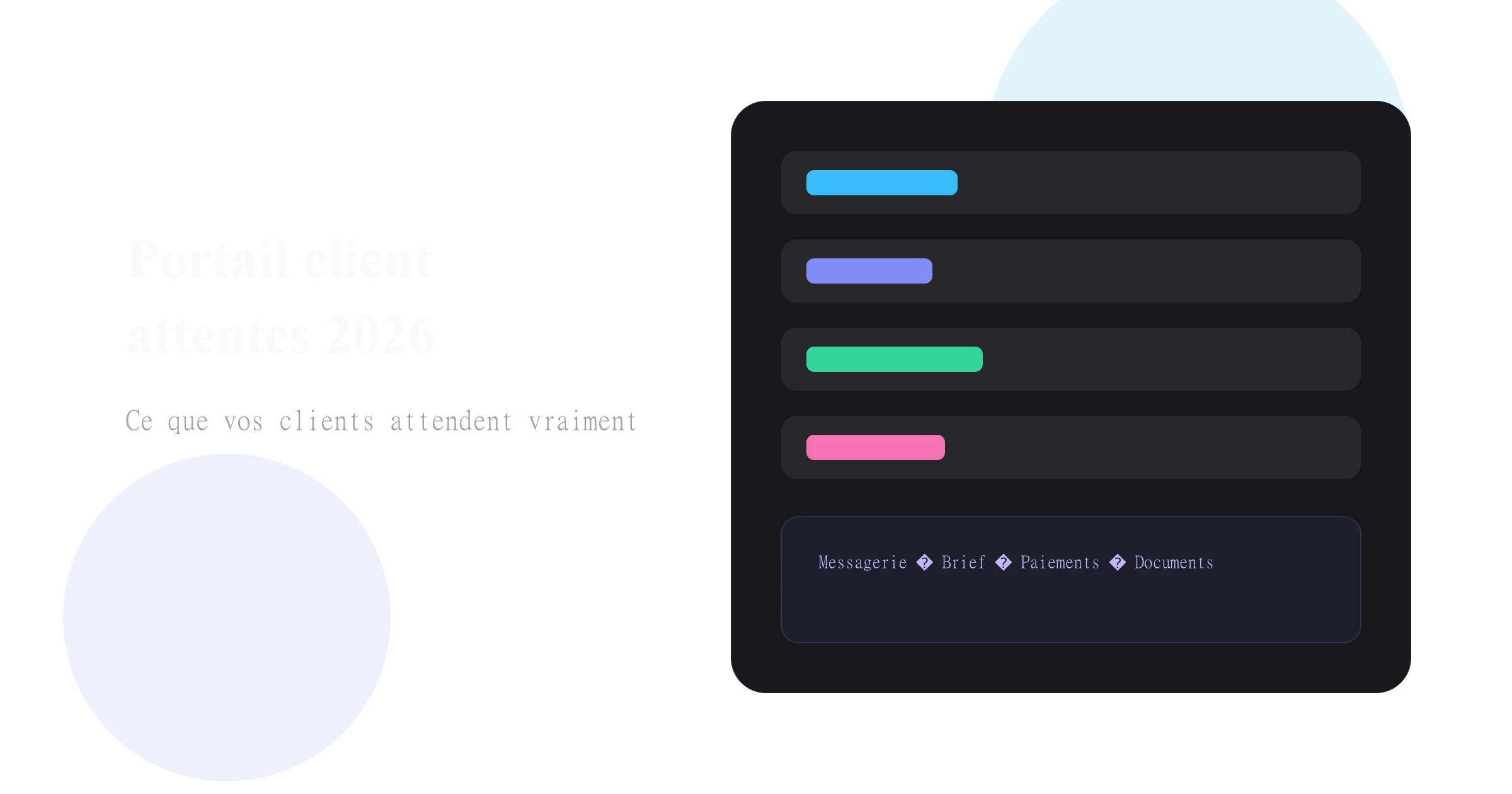
A minimalist but complete portal covers five functional blocks. Remove one and you recreate the friction you wanted to eliminate. A readable downloadable PDF quote reassures on amount and scope; the client wants an archive for personal files. A signable online contract formalises commitment without postal delay or illegible scan. Secure card payment in two clicks turns intention into real cash flow, with automatic receipt. A guided brief or questionnaire — progressive, not an empty Word doc — structures information from day one. Centralised messaging in the file avoids lost WhatsApp threads and "what did you say again?"
Each element answers a precise client anxiety. The couple wants to know how much and for what; PDF plus online summary answer. They want legal cover; eIDAS signature answers. They want to pay without friction; card answers. They want you to understand their project; the brief answers. They want to find your exchanges; messaging answers. A portal offering only an online PDF improved delivery, not experience.
For wedding planners, consistency between quote and contract is especially critical. A poorly structured quote delays the entire chain. Our guide on writing a compliant wedding planner quote details mandatory fields and multi-service structure — the client portal is the logical next step, not a substitute. Also read deposit or earnest money for event providers before configuring payment at signature.
All of this is native in the ClientFlow client portal module, without stacking separate DocuSign, Stripe, and Typeform subscriptions. Tool stacking recreates journey breaks the portal is meant to remove: redirect, different design, different password, different support.
Why the portal accelerates collections
The classic email journey follows a scenario every independent knows. PDF quote sent, passive wait. Questions by email, two-to-five-day back-and-forth. "OK I'm in," request for bank details or separate payment link. Bank transfer in five to ten days forgotten on the client's task list. Manual follow-up, sometimes awkward, a week later. Between verbal yes and money in your account, two weeks can pass — during which the client talks to another provider, the family budget gets re-evaluated, or life simply resumes.
The client portal journey compresses that scenario. The client receives a unique link, immediately reviews the current quote, asks questions via integrated messaging where every exchange attaches to the file. They e-sign the contract in a few clicks, with eIDAS legal value. They pay the deposit — or earnest money per your clause, see our deposit vs earnest money guide — by card in minutes, not days.
Every removed step reduces dropout risk, competition signing faster elsewhere, or simple procrastination. The client's brain records the decision when they sign and pay in the same flow: cognitive consistency reinforces commitment. A client who says yes on the phone has not yet paid; between that verbal agreement and completed transfer, the commercial vulnerability window stays wide. The portal shortens it drastically.
Field orders of magnitude: average quote-to-deposit delay of seven to fourteen days on classic email flow, versus twenty-four to forty-eight hours with client portal. Admin time per file of forty-five to ninety minutes when fragmented, versus fifteen to thirty minutes centralised. Exchange traceability fragmented vs centralised — decisive in a dispute six months later.
You can disable card payment and offer transfer only; that is your choice. You then lose the portal's main advantage. Offer card by default and transfer as alternative for large B2B amounts or corporate clients requiring bank details.
Brand customisation: non-negotiable
From the Pro plan, your portal displays your logo, colours, and visual identity — not ClientFlow's. Your clients experience something fully professional, in your image, from first click to payment confirmation. That white-label dimension is not cosmetic. On €2,000, €5,000, or more — full wedding, premium photo series, quarterly consulting mission — the client often hesitates between several providers with comparable skills. Administrative experience becomes a differentiation criterion alongside portfolio or references.
A white-label portal reinforces perceived seriousness and durability. The client unconsciously thinks: "This person invested in their tool, they manage files structurally, I can trust them with my project." Avoid generic solutions displaying the software name prominently on every page. Your client is not looking to discover ClientFlow, Yousign, or Stripe; they want to move forward on their project with you.
Visual consistency between your site, PDFs, and portal matters. If your site is minimalist and premium, a portal in loud third-party colours breaks projection. If your identity is warm and artisanal, a cold corporate portal sends a contradictory signal. Configure logo, colours, and contact details before the first test send; the portal is an extension of your brand, not a technical appendix.
Your client is not looking to discover your software — they want to move forward on their project with you.What a portal must never do
The temptation exists to stack features to impress. In reality, an overloaded portal discourages as much as an email process. Do not clutter the interface with fifteen tabs half empty or redundant. Do not ask for information already provided on the quote or contact form. Do not redirect to unsecured or visually inconsistent third-party tools for payment. Do not let access links expire without one-click resend. Do not require account creation with password for a simple signature.
ClientFlow deliberately limits the interface to essential actions: review, sign, pay, complete brief, exchange messages. Nothing more, nothing less. That functional discipline comes from feedback from independents who wanted power without enterprise CRM complexity. A wedding planner does not need an ERP; they need the couple to sign and pay before the weekend passes.
The portal does not replace WhatsApp for informal exchange — the dress photo found at a flea market, the meme shared between friends. It centralises what must be traceable: contract, deposit, validated brief, deliverable approval. Mixing both without discipline recreates chaos; separating uses with clarity preserves human relationship and secures the file.
Sending the portal link without a backup PDF frustrates clients who want to print for archives — offer both. Forgetting to test the mobile journey before the first real send leaves unreadable buttons on iPhone. Configuring payment without verifying portal amounts match the PDF destroys trust instantly. Deploying the portal without a ready contract template recreates Friday-evening panic when the client finally signs.
Adapting the portal for wedding planners
Engaged couples are among the most stressed and solicited clients. They compare three to five wedding planners, juggle vendors, and want clear progress visibility. Their portal expectation boils down to: structured wedding brief — guest count, style, venue constraints, already-booked vendors, indicative budget; milestone calendar — meeting dates, menu choice deadline, fitting, rehearsal; contract access — your coordination contract, shared documents if you centralise; readable payment schedule — deposit at signature, second payment at D-60, balance at D-30.
A couple seeing their schedule and brief alongside the signed quote feels premium support — without you spending evenings copy-pasting between tools. See how wedding planners structure their ClientFlow pipeline from first contact to wedding day.
A couple receives your quote Saturday at 10 p.m. after a venue visit. With PDF by email, signature waits until Monday or Tuesday — if the quote is not buried under other messages. With the portal, they review, ask a question via integrated messaging, sign and pay the deposit before midnight. You start preparation Sunday morning with a complete file and confirmed collection. That scenario is not exceptional; it becomes normal when the journey is smooth.
Adapting the portal for photographers
Independent photographers — wedding, portrait, corporate — share a strong client expectation: clarity on deliverables and fluid creative exchange. The photo portal must cover package understanding via quote with album options, extra hours, retouching; shoot preparation via guided questionnaire — location, timing, inspiration, constraints; selection validation via integrated or linked proofing gallery; balance payment with automatic reminder before high-resolution file delivery.
The photographer sending quotes without a portal often follows up for an unfilled Google Form brief, then for unpaid balance while photos are already retouched. Centralising quote, contract, brief, and payment in one file protects creative time. Photographers use ClientFlow to lock the date on deposit and trigger the shoot questionnaire automatically after signature — the client receives notification; you do not remember to send it manually.
Corporate clients are used to pro tools; wedding clients want the same simplicity without jargon, one Bordeaux wedding photographer told us. The portal serves both without doubling admin. The line between "artist" and "professional" often plays out on these operational details, not image quality alone.
Adapting the portal for independent consultants
The consultant — strategy, HR, marketing, IT — has different but equally demanding expectations. The client is often an SME or executive who chains meetings and delegates fast. They expect a clear mission brief: context, objectives, scope, contacts, confidentiality constraints. Document upload: data, existing reports, org charts — without twenty-five MB attachments bouncing. Deliverable validation: traceable acknowledgement for each phase. Aligned invoicing: deposit at launch, interim invoices on long missions, balance at closure.
B2B consulting tolerates artisanal email less than engaged couples — but punishes disorganisation more severely. A branded portal reassures on your ability to manage structured, confidential missions. Consultants especially value centralised history: if a question arises about a deliverable sent six weeks ago, the validation thread is in the file, not a forgotten Gmail subfolder.
For sensitive missions, the portal avoids circulating strategic documents in unencrypted message threads. The secure link limits access to the concerned client alone. That is not absolute confidentiality — which also depends on your practices — but it is a level above PDF sent to three addresses in copy.
Setting up your portal: progressive deployment
You do not need to rebuild your entire business to offer a client portal next week. First configure visual identity: logo, colours, contact details — the portal must reflect your brand before the first test send. Prepare a reusable quote template with legal mentions, payment terms, cancellation clauses; a solid template avoids omissions in rush.
Send a test link to someone you trust; walk the client flow from review to test signature, identify remaining friction. Activate the portal on your next real file — one pilot client suffices to validate the process before generalising. Then generalise and measure: compare collection delay and admin time before and after on three consecutive files.
If you still hesitate between tools or your stack mixes Excel, Gmail, and WhatsApp, start with our diagnosis of five most common freelance admin mistakes — the client portal is often the fix for mistake number two. Most independents configure branding, quote template, and first portal link in under thirty minutes; the fourteen-day Pro trial includes the portal with no credit card.
Beyond the portal: a coherent client experience
The client portal is the central piece of a broader ecosystem. It does not replace creative talent or craft expertise — it removes friction that hides that value. A clear quote, quickly signed contract, deposit collected without follow-up: these are foundations on which trust builds. Top-performing independents in 2026 are not those with the most tools, but those with the fewest breaks in the client journey.
Every redirect, every extra tool, every duplicate information request erodes conversion and credibility. Wedding planner: wedding brief, schedule, deposit at signature. Photographer: shoot questionnaire, deliverable options, balance before HD. Consultant: mission brief, document upload, traceable validation. All: one client portal, your brand, zero client account creation.
Investing one hour this week to configure your portal can save dozens of hours over the season — and thousands of euros of cash freed earlier. It is simple maths too many independents postpone because operational urgency consumes them. That urgency is the signal to automate. Your clients compare your admin to their best digital experiences; it is up to you to meet the bar — or let a smoother competitor sign in your place.
Start free with ClientFlow — client portal, eIDAS signature and Stripe payment included from the Pro trial.